
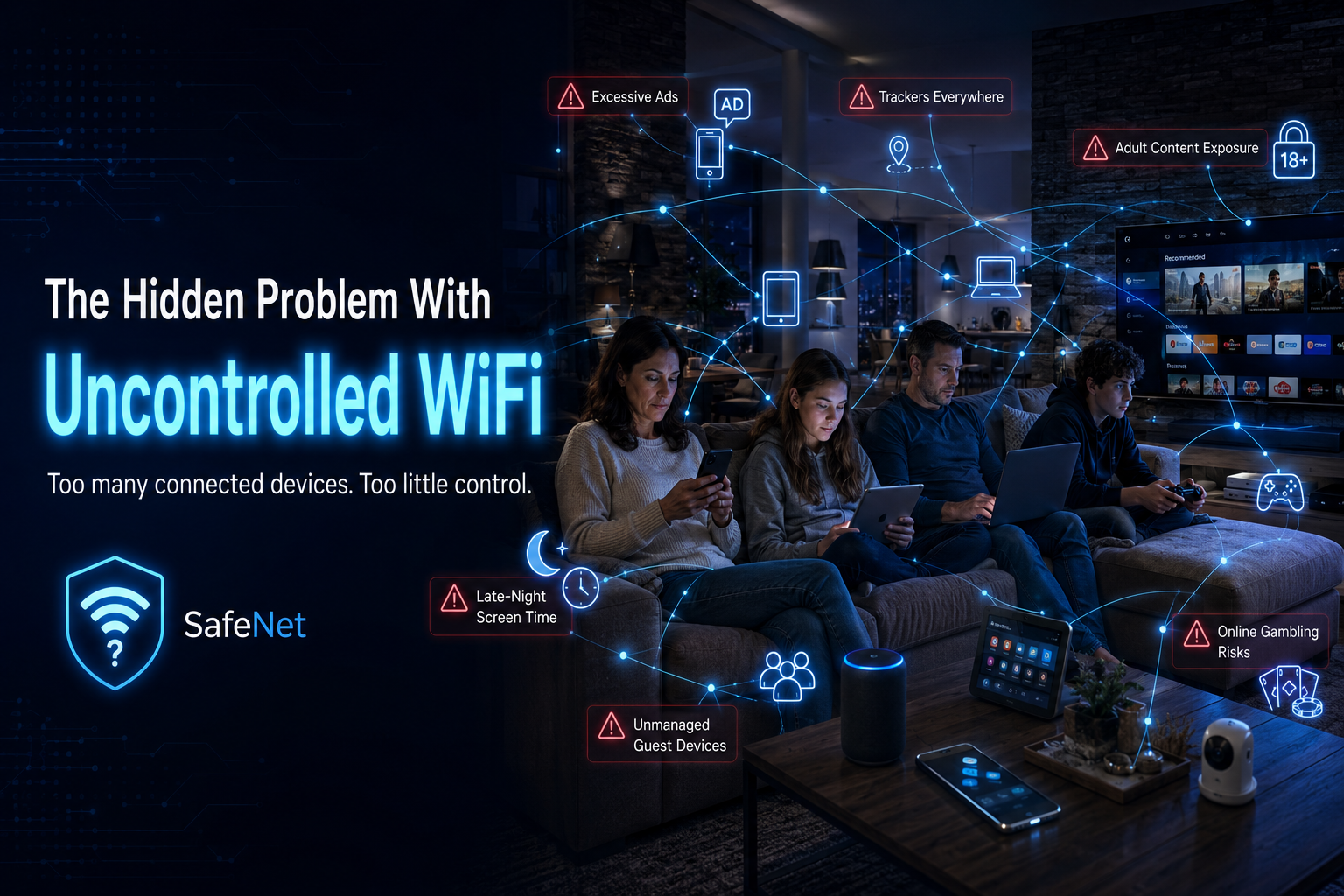
The Hidden Problem With Kids, Smart TVs, Gaming Consoles and Uncontrolled WiFi
Why parental control must move beyond the phone
When parents think about online safety, they often think only about a child’s phone. But in most homes, the phone is only one part of the problem.
Children access the internet through many devices:
Smart TVs
Tablets
Gaming consoles
Laptops
School devices
Old phones
Guest devices
Streaming boxes
The modern home is no longer controlled through one computer in the study. Internet access is everywhere.
This creates a real challenge for parents. A child may have limits on a phone but still access YouTube through the TV. A gaming console may stay connected late into the night. A tablet may be used during homework time. A visiting friend may connect to the home WiFi with no restrictions at all.
Most normal routers do not make this easy to manage. Many parental control apps only work on specific phones or tablets. Some require subscriptions. Some are too technical. Some can be bypassed. Some do not apply to smart TVs or gaming consoles.
This is why many parents feel they are always one step behind.
SafeNet was created around a simpler idea: manage the internet at WiFi level.
Instead of installing control software on every device, SafeNet creates a separate protected WiFi network. Devices that connect to SafeNet can be managed from the SafeNet control page.
That means parents can apply different rules to different devices.
A parent’s work laptop can use normal ad blocking.
A child’s tablet can use parental control.
A smart TV can be placed under family-safe filtering.
A gaming console can have scheduled internet access.
A guest device can use a separate protected WiFi layer.
This is especially useful for internet scheduling. Parents can decide when children’s devices may access the internet. For example, a child’s gaming console may be allowed during certain hours but not late at night. A tablet may be allowed during the afternoon but restricted during bedtime. A smart TV can be managed separately from the parent’s own phone or laptop.
SafeNet is not about spying on children. It is about setting healthy digital boundaries.
Families already set boundaries in the real world. Bedtime matters. Schoolwork matters. Family time matters. SafeNet simply helps apply those same boundaries to internet access.
The second major benefit is cleaner browsing. SafeNet helps reduce unwanted adverts, trackers and ad-related domains. This can make online browsing less distracting and less invasive across multiple devices.
The third benefit is family-safe protection. SafeNet can help block adult content, gambling sites and selected unsafe domains linked to scams, phishing and malware. This gives parents a practical first line of protection before content reaches the device.
For families, the real strength is simplicity.
You do not need to change your main router.
You do not need an app on every device.
You do not need to be a network expert.
You connect your devices to SafeNet and manage them from one place.
In a world where every screen is connected, parents need more than good intentions. They need simple tools that fit real family life.
SafeNet gives parents a practical way to control WiFi access across phones, tablets, TVs, gaming devices and guest devices — from one small device.